Transmitting Preview Payroll and Reviewing Preview Reports
After the system completes the verification process in Step 6: Verify, the following messages will appear. Select OK and Yes when asked if you would like to start the Payroll Calculator.
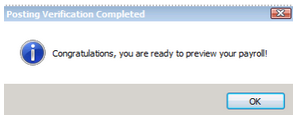
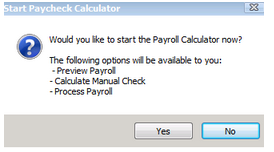
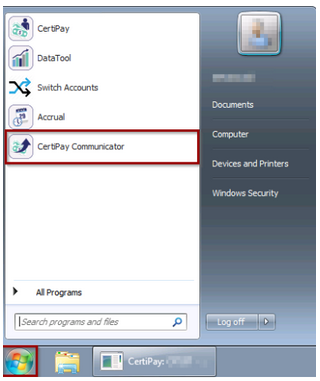
If you do not select Yes or accidently exit the Start Payroll Calculator window, you can click on the Start menu at the bottom left corner of the screen and open the CertiPay Communicator.
From the control, click the Preview list and select Preview Payroll. The communicator will show that payroll is being calculated.
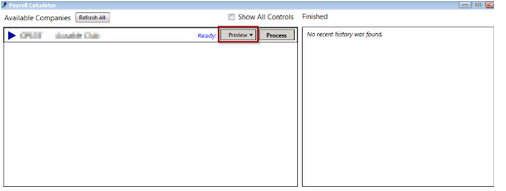
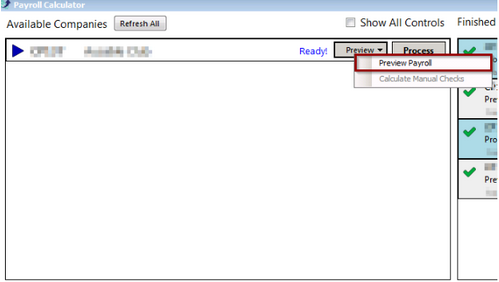
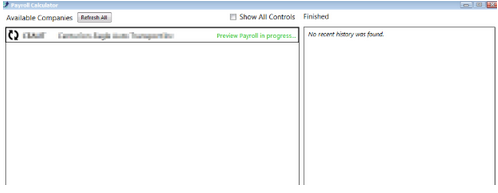
When complete, the communicator window will state that it is Ready. Click Close when finished.

Click the Payroll list from the CertiPay home page and select Payroll Postings. From the Payroll Posting page, click the Step 6: Verify tab.
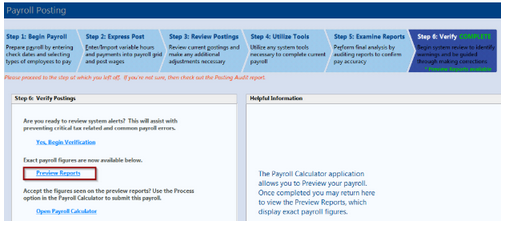
Click the Preview Reports link. Select the preview report(s) you wish to view or print.